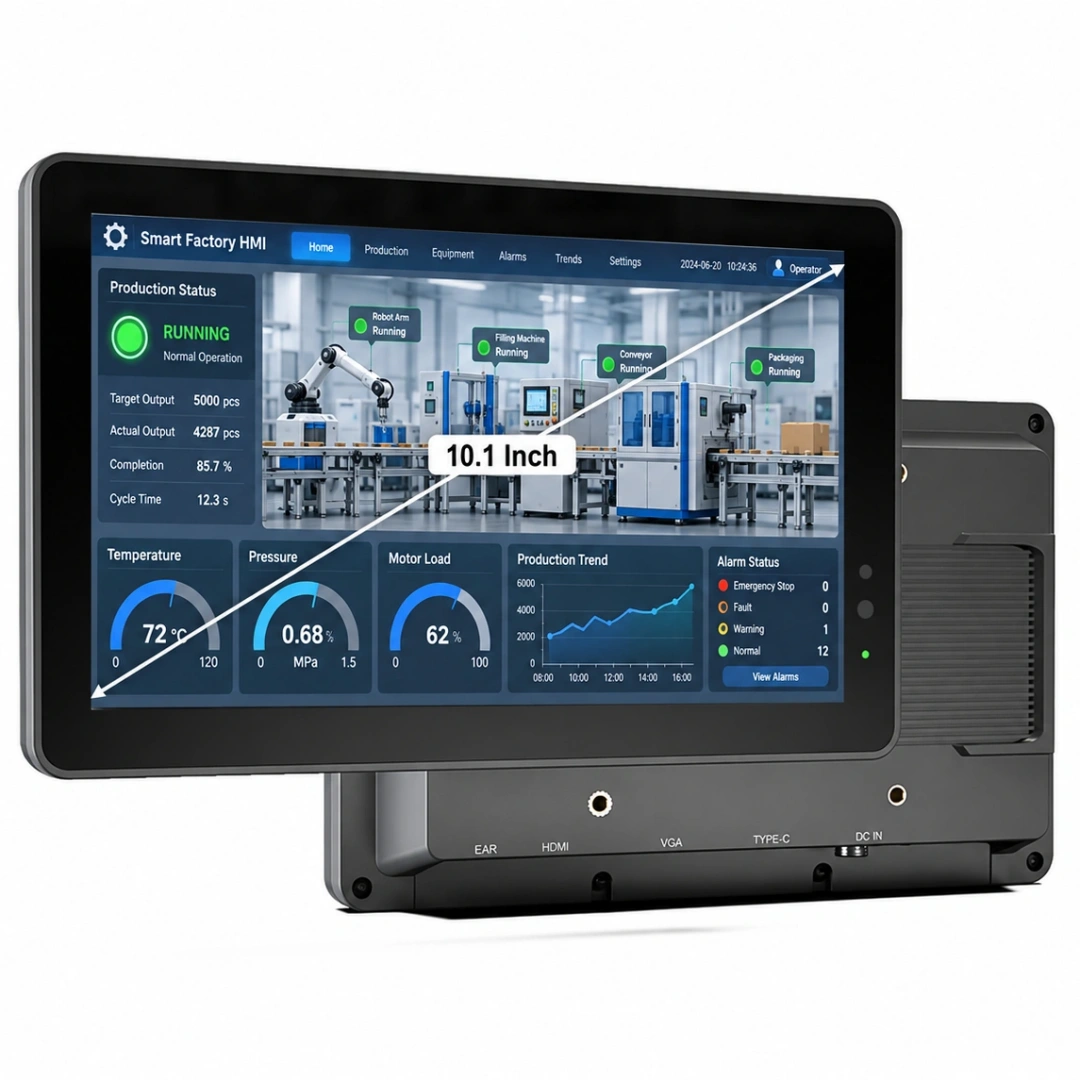
Vehicle docking station interfaces are the power, data, and control connections that let a rugged tablet communicate with a vehicle, industrial peripherals, and fleet software. For vehicle-mounted rugged tablets, the most important interfaces are CAN bus, RS232, USB, Ethernet, wide voltage input, ignition control, and pogo-pin docking. The right dock should be selected by vehicle type, peripheral workflow, power environment, and installation risk—not by port count alone.
Key Takeaways
- Core interfaces include CAN bus, RS232, USB, Ethernet, wide voltage input, ignition control, pogo pin contacts, audio, and sometimes HDMI or RF passthrough.
- Wrong interface selection causes real failures: lost telemetry, printers that cannot connect, unstable USB ports, battery drain, and unreliable charging.
- Use the tables and checklists below to ensure compatibility before fleet-wide stock, install, and configure decisions.
What Are Vehicle Docking Station Interfaces?
Vehicle docking station interfaces are the power, data, and control connections that link a rugged tablet to a vehicle, mounting system, and industrial peripherals. In vehicle-mounted rugged tablet deployments, these interfaces may include CAN bus, RS232, USB-A, USB-C, Ethernet, wide-voltage DC input, ignition sense, pogo-pin contacts, audio, and optional antenna passthrough.
A simple cradle usually holds or charges the tablet. A full vehicle docking station provides port replication, power management, and peripheral connectivity, so it should be selected as part of the vehicle installation system rather than as a separate accessory.
Why Interface Selection Matters in Vehicle Deployments
Interface selection matters because a wrong dock can make the correct tablet unusable in the vehicle. A tablet may have the right screen size, operating system, and rugged rating, but the deployment can still fail if the dock lacks CAN bus access, true RS232 signaling, enough USB power, stable Ethernet, or the correct wide-voltage input when you choose a rugged tablet for fleet management.
Procurement teams should map each interface to a real workflow before buying: diagnostics, printing, scanning, charging, ignition control, network sync or external antenna routing.

Interface Comparison Table
Use this table to map interfaces to workflow, not just specifications.
| Interface | Primary use | Example workflow | Risk if wrong |
|---|---|---|---|
| CAN bus | Vehicle diagnostics | fleet management, forklifts, engine hours | No telemetry or wrong protocol |
| RS232 | Serial communication | ticket printers, scales, PLCs | TTL mismatch or bad pinout |
| usb a | Legacy peripherals | scanners, keyboards, card readers | low power or loose cables |
| usb c | Fast data/power | hub, SSD, laptop-style accessories | role or PD mismatch |
| ethernet | Stable LAN | WMS, video upload, OT network | Wi-Fi dead zones remain |
| Wide voltage | Stable power | 9–36 V mixed trucks | reboot, fuse, battery drain |
Spec-to-Risk Mapping: How Interface Choices Create Deployment Risks
A spec-to-risk table links each interface specification on a vehicle dock to a concrete deployment risk, such as incompatible CAN bus protocols, RS232 voltage mismatches or under-rated power input.
| Spec item | Assumption | Hidden risk | Field failure |
|---|---|---|---|
| CAN H/L | J1939 works | proprietary CANopen or 500 kbps | missing fault codes |
| RS232 | DB9 is enough | ±12 V vs TTL, RTS/CTS absent | printer stops |
| USB | Any peripheral works | OS driver or current limit | scanner fails |
| Ethernet | Any RJ45 works | vibration, grounding, VLAN | link drops |
| Power | 12 V fleet | 24 V units, load dump | damaged dock |
Read dock spec sheets as risk documents. Validate connections, connectors, attachments, power, and compatibility before rollout.
CAN Bus Interfaces for Fleet and Vehicle Diagnostics
A CAN bus rugged tablet dock lets a tablet read and sometimes write vehicle diagnostic and telemetry data directly from the vehicle’s CAN network through the dock’s connector and harness. CAN bus is crucial for transportation, utilities, construction, and fleet management, where trucks, buses, and forklifts report engine, battery, or fault data, especially in automotive rugged tablet deployments.
Check CAN High/CAN Low wiring, isolation, termination, and protocol support: J1939 is common in heavy vehicles, while CANopen or proprietary buses appear in industrial equipment. During pilot setup, connect a known diagnostic tool while the tablet is docked and compare messages. Kcosit can support CANbus rugged tablets for defined industrial vehicle types.
When RS232 Still Matters in Industrial Vehicles
An RS232 vehicle dock provides a true serial port with ±12 V signaling that many legacy industrial devices still require, which cannot be replaced by USB alone. RS232 still supports printers, weigh scales, scanners and controllers in vans, delivery trucks, and warehouse vehicles.
Risks include TTL confusion, incorrect DB9 wiring, missing flow control, and EMI from motion, alternators, or long cables. Test each serial peripheral on a bench, then in the vehicle with the engine running. Industrial providers such as Kcosit use locking connectors and strain relief to improve reliability.
USB Interfaces for Scanners, Cameras, and Peripherals
USB ports on a vehicle tablet docking station are usually used for barcode scanners, cameras, card readers, keyboards, mobile printers, and service tools. USB-A is still common for legacy peripherals, while USB-C may be used for newer accessories, higher bandwidth, or hub-based expansion with rugged industrial computing devices.
The main risk is assuming that every USB device will work the same way. Buyers should test each peripheral by operating system, driver mode, current draw, and cable retention before approving a fleet-wide dock configuration.
Ethernet Interfaces for Stable Industrial Connectivity
A rugged tablet Ethernet dock offers a wired network port so the vehicle-mounted tablet can connect reliably to warehouse, yard or depot LANs. Ethernet is useful when metal racks, vehicle bodies, or IT policies make wireless unreliable in vehicle-mounted fleet management tablets.
Use Ethernet for WMS access, camera video offload, diagnostics networks, and high-volume sync. Confirm 10/100 versus Gigabit, shielded cabling, connector strain relief, and cybersecurity requirements such as VLAN or 802.1X.

Why Wide Voltage Support Is Critical in Vehicle Environments
Wide voltage support is critical because vehicle power is unstable. A dock connected to trucks, forklifts, buses or service vehicles may face cranking dips, alternator noise, load changes, reverse-polarity mistakes and voltage differences between 12 V and 24 V systems.
For mixed fleets, a wide-voltage vehicle dock can reduce reboot, charging, and battery-drain problems, but buyers should still verify the supported voltage range, fuse design, ignition-sense behavior, transient suppression and installation wiring.
Peripheral Compatibility Matrix
A peripheral compatibility matrix maps each planned peripheral to its required interface, driver, power draw, and mounting distance from the vehicle dock.
| Peripheral | Function | Interface | OS/driver | Power | Distance |
|---|---|---|---|---|---|
| Ticket printer | RS232 | Windows/Android driver | vehicle DC | 1 m | |
| Hand scanner | scan | USB-A | HID/serial mode | dock-powered | 0.5 m |
| DVR | video | Ethernet/USB | vendor driver | separate | 2 m |
Build this before RFQ and update it when extra devices appear
Vehicle Deployment Checklist
A vehicle deployment checklist for docking stations ensures that power, data, peripheral, and mechanical requirements are validated before scaling.
- Survey every vehicle type, passenger position, and available floor or dash space.
- Confirm mount location, driver reach, and safety.
- Map CAN, RS232, USB, ports, Ethernet, and ignition wiring.
- Design harnesses, fusing, and cable routing.
- Pilot install on multiple vehicle types.
- Test with engine running and peripherals active.
- Document final configuration, accessories, and spares.
After the pilot installation, document the final dock part number, ca
ble harness, fuse rating, mounting position, peripheral list, OS driver version, and spare accessories. This makes later replacement and troubleshooting much easier across a mixed fleet.
Common Interface Compatibility Problems in Fleet Deployments
The most common interface compatibility problems in vehicle dock deployments involve mismatched CAN wiring, incorrect RS232 expectations, USB overloads, Ethernet grounding issues, and under-specified power input. These problems should be tested before rollout, not discovered after installation. Use RS232 loopback tests, CAN scan tools, direct USB tests, Ethernet link checks, and multimeter verification to confirm that the dock works with the actual vehicle, peripherals, and software profile.
Right-Fit vs Wrong-Fit Interface Choices
A right-fit vs wrong-fit table helps teams see whether a dock interface configuration fits diagnostics, peripherals, and power conditions.
| Right-fit | Wrong-fit |
|---|---|
| CAN dock for diagnostics-heavy trucks | CAN-less dock plus adapters |
| RS232 dock for scales | USB-only dock |
| wide voltage vehicle dock for 12/24 V fleet | 12 V-only dock |
| Ethernet dock for RF-hostile warehouse | Wi-Fi-only reliance |
| simple cradle for wireless-only tasks | Full dock bought for no reason |
The aim is flexible functionality without unnecessary complexity.
Vehicle Dock Procurement Verification Checklist
A vehicle dock procurement verification checklist confirms that docking station interfaces match the deployment plan.
- Confirm voltage range, ignition control, and protection.
- Request CAN protocol, pinout, and wiring diagrams.
- Confirm RS232 electrical levels and flow control.
- Verify USB-A/USB-C count and per-port power.
- Confirm Ethernet speed, connector, and IT policy fit.
- Ask for installation manuals, OS drivers, and the firmware process.
- Confirm lifecycle, compatible tablet families, and reorder support.
Choosing the Right Rugged Tablet Dock for Industrial Vehicles
Choosing the right rugged tablet dock means matching CAN, RS232, USB, Ethernet, and wide voltage capabilities to the specific vehicles, peripherals, and software platforms used in your fleet. Start with workflow, then select the interface mix alongside Kcosit rugged tablets and industrial devices.
The right vehicle docking station should be chosen as a system: tablet, dock, vehicle mount, cable harness, power input, software workflow, and maintenance plan. For KCOSIT rugged tablet projects, interface planning can help match vehicle-mounted rugged tablets, CANbus options, RS232 peripherals, Ethernet networking, and wide-voltage power input to the real deployment environment.

FAQ
Can I reuse my existing vehicle docks when I upgrade rugged tablets?
Maybe. Reuse depends on tablet size, latch, pogo pin layout, usb c host behavior, and OS support. Ask the manufacturer for cross-generation dock support before planning upgrades.
How do I handle mixed fleets with both 12 V and 24 V vehicles?
Specify wide-voltage docks, often 9–36 V DC, and verify the range is continuous. Document harness and fuse choices by vehicle type.
What is the difference between a simple charging cradle and a full docking station?
A cradle mainly holds and may charge a tablet. A full docking station adds CAN, RS232, USB-A, USB-C, Ethernet, and other connectivity options.
Do I still need Ethernet if tablets have 4G or 5G?
Yes, in some deployments. 4G and 5G are useful for wide-area connectivity, but Ethernet is still valuable for depot sync, diagnostics, video upload, local WMS access, fixed vehicle stations, and environments where wireless coverage is blocked by metal racks or vehicle bodies.